Creative AIOct 30, 2026
How to create videos with artificial intelligence: a beginner’s guide
A practical way to start creating AI videos without treating the first result as the final version.
2 minRead
Artigos, ferramentas e recursos sobre Media.
Enlarge anime, manga, line art, and illustrations while preserving lines, colors, and style with before-and-after comparison.
Reduce compression blocks, halos, and defects in photos, screenshots, and video frames with comparison and batch processing.
Reduce haze, smoke, and rain in photos with before-and-after comparison and batch processing.
Try to reduce motion or focus blur in photos with before-and-after comparison and batch processing.
Reduce photo noise and grain with before-and-after comparison, adjustable intensity, and batch processing.
Improve dark, faded, or mildly degraded photos with before-and-after comparison and batch processing.

Enlarge photos, illustrations, and anime with AI models, before-and-after comparison, and batch processing.
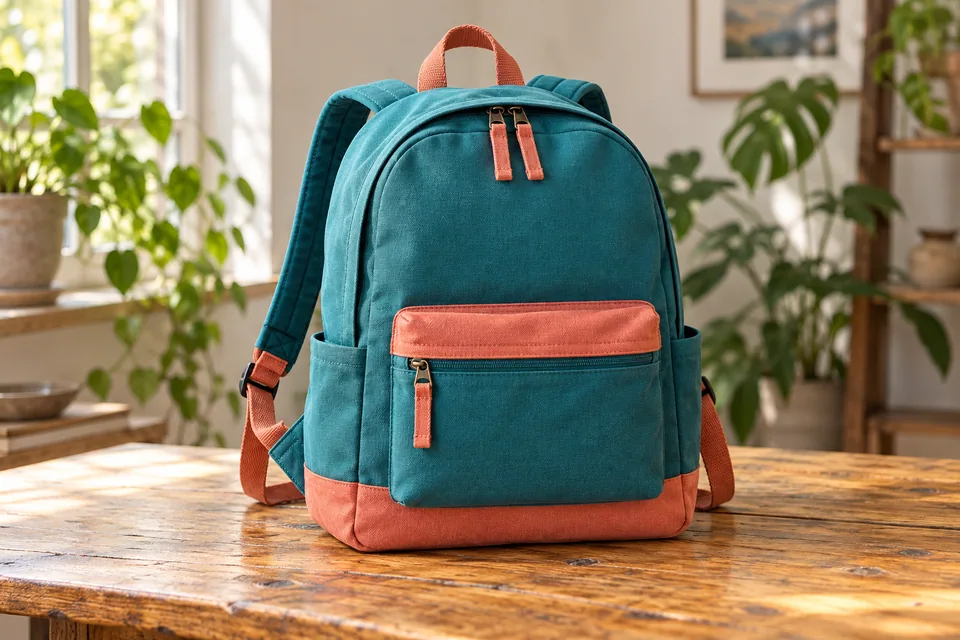
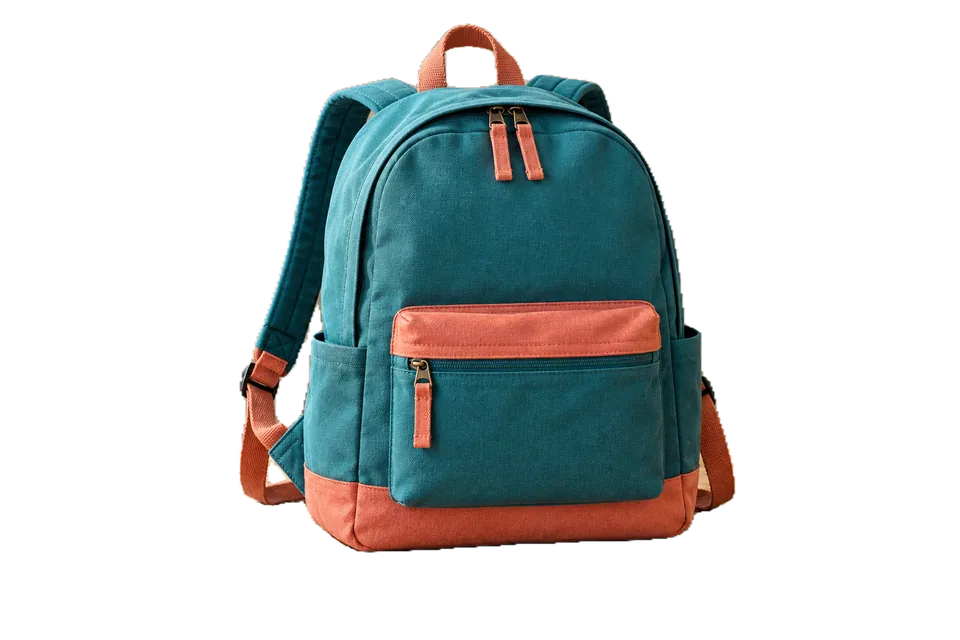
Remove backgrounds from people, products, and objects with an adjustable mask. Use BiRefNet Lite for varied objects and export transparent PNG or WebP.
Create GIFs from images or videos, trim scenes, arrange frames, and adjust FPS, colors, and size on your device.
Reduce the size of photos, graphics, and images with visual comparison, adjustable quality, and batch processing.
Resize image batches by pixels, percentage, or maximum limits. Adjust aspect ratio, framing, and output format.
A practical way to start creating AI videos without treating the first result as the final version.
Learn a simple prompt structure for realistic images and how to review common errors.
Practical criteria for readable thumbnails on small screens without relying on exaggeration.
A local workflow for importing, reviewing, processing, and exporting large image batches.
A guide to finding and using original Vault videos in pages, presentations, and edits.
Simple criteria for choosing images, backgrounds, and resources for digital projects.
Learn when AI upscaling helps, how to compare results, and how to enlarge images on your own device.
Learn how to prepare a batch for the web, social media, catalogs, or print without distorting images.
A guide to making image files smaller without turning quality into an empty promise.
Learn when to use denoising and how to choose the right strength for photos and illustrations.
A careful process for testing local AI on faded, dark, or mildly worn photos.
Understand what a deblurrer can improve and when blur has too little information to recover.
An upscaling guide for 2D art that avoids treating illustration strokes like photographs.