CHAMMILION
ABOUT ATMOSPHERE CLEANERUnderstand haze, smoke, and rain reduction

AI Atmosphere Cleaner: reduce haze, smoke, and rain in photos

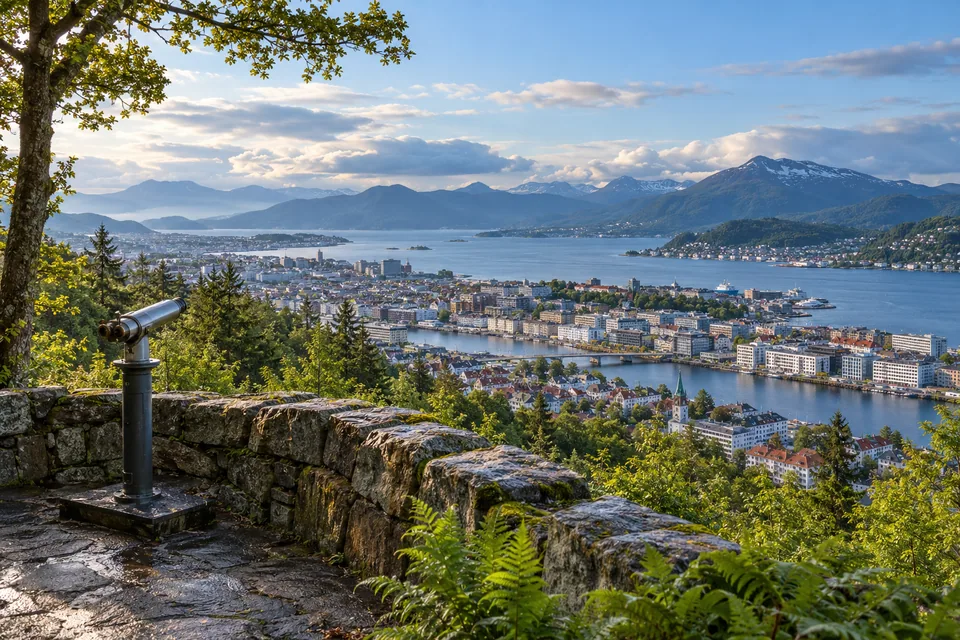
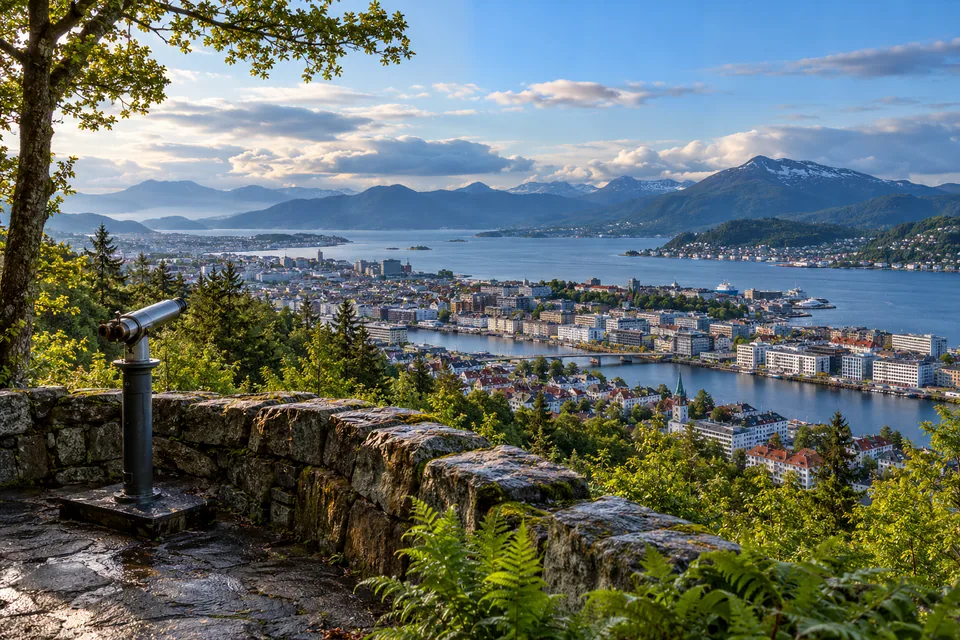
AI Atmosphere Cleaner attempts to improve photographs affected by haze, fog, smoke, visual pollution, or rain. It can restore perceived contrast, improve separation between image planes, and make distant objects easier to see. Results depend on the information preserved in the file: it cannot reliably recreate what was completely hidden by the atmosphere.

Choose the treatment for the problem

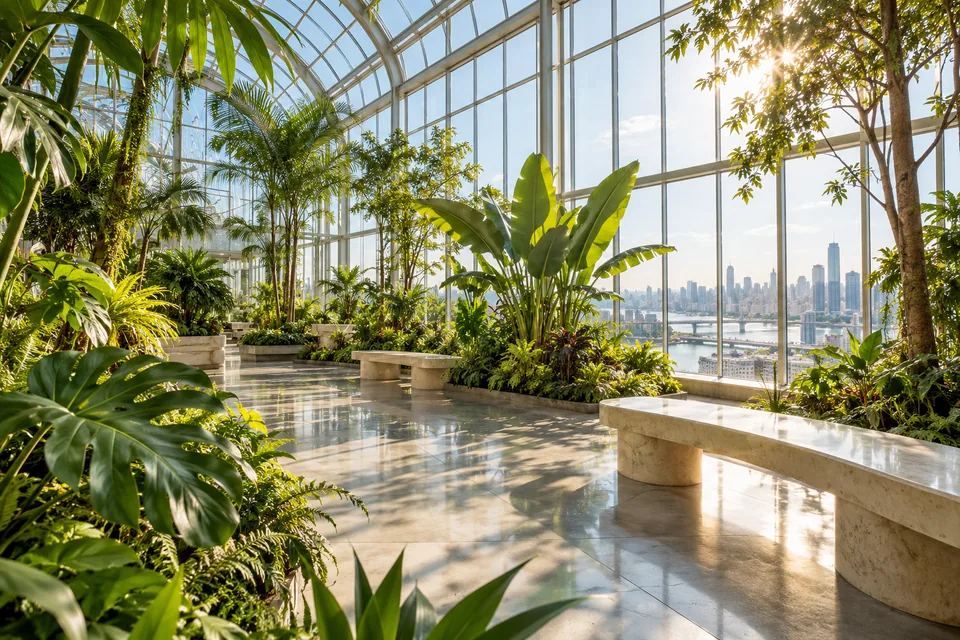
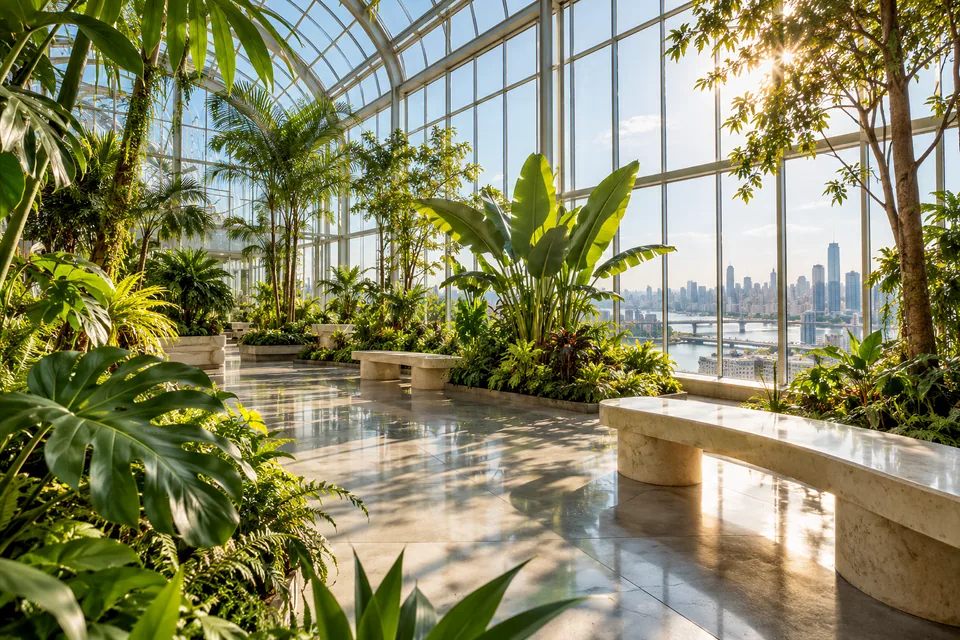
Use the outdoor treatment for haze, distant smoke, pollution, or low-contrast landscapes and city scenes. The indoor treatment suits photos through glass, windows, corridors, or enclosed spaces with smoke and low visibility. Choose rain treatment when visible drops or streaks are the main issue.

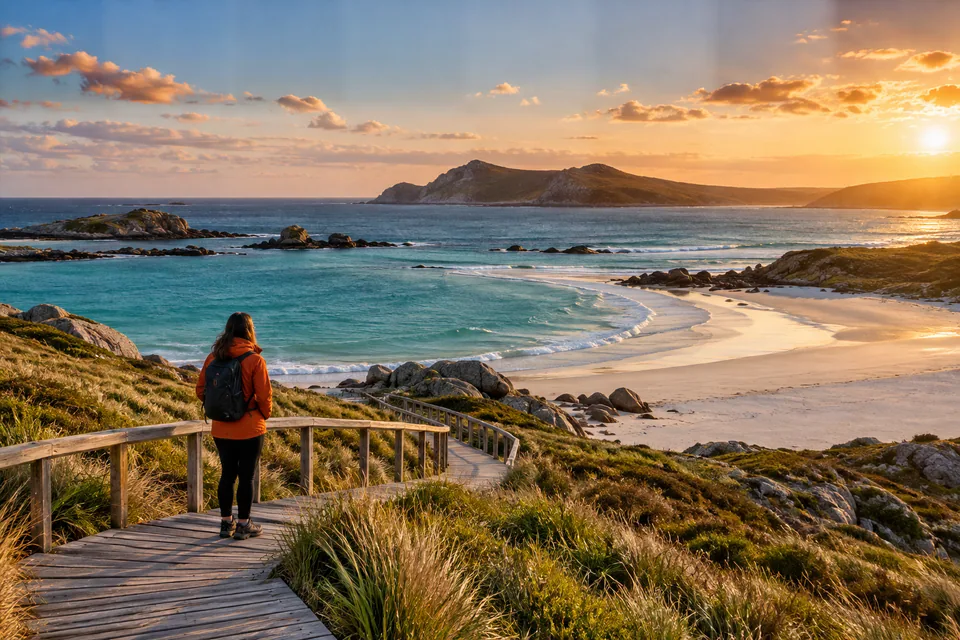
Compare carefully

Real haze also creates depth and mood. Strong removal can darken the sky, over-saturate colors, create halos around buildings, trees, or mountains, and make a photo look artificial. Start moderately and compare horizons, edges, and bright areas.

What the tool cannot guarantee

The tool may improve visibility, but it cannot accurately reveal objects completely hidden by dense fog, heavy smoke, or intense rain. Do not use processed images as evidence or to identify signs, people, license plates, or other critical content unclear in the original.

Landscapes, city photos, and batches

Landscapes, streets, travel photos, and outdoor scenes often respond well when haze lowers contrast. For batches, test one representative photo first: a setting that works on clear daylight can overcorrect a night scene, sunset, or rainy image.

Frequently asked questions

Does it remove all haze?

It can reduce some haze and restore contrast, but cannot guarantee details that were completely hidden.

Does it work on smoke and pollution?

It can help when smoke or pollution makes a photo look washed out and low in contrast. Results vary by scene and source file.

Can it remove raindrops from the lens?

Rain treatment can help in some cases, but large droplets, reflections, and obscured areas may remain.

Why do the sky or colors look unusual?

The treatment may be too strong. Lower intensity and compare the sky, skin, vegetation, and object edges.

Can I use it on indoor photos?

Yes, especially for photos through glass or in smoky, low-visibility spaces. Test the indoor treatment.

Can I process multiple photos?

Yes. Test one representative image, then apply the setting to the batch or selected items.

Moderate removal preserves depth and helps the image stay natural.

IMAGE LAB · AI GUIDE

How to use AI Atmosphere Cleaner

Correct visible atmospheric conditions in photographs. Choose the issue first so the wrong model is not applied to the scene.

  1. 1Import the photo and identify indoor haze, outdoor haze, or rain.
  2. 2Select the model that matches the environment or visible defect.
  3. 3Start at low strength and compare sky, windows, skin, and bright areas.
  4. 4Process only if cleanup does not create artificial contrast or color.

These models cannot reveal a scene hidden by extreme haze; they work best when image information is still visible.

AfterBefore
Drag to compareExample 1
AfterBefore
Drag to compareExample 2
AfterBefore
Drag to compareExample 3
Ecosystem Highlights
01 // 029
Finance Lab

Compound Interest Calculator

Build real-time financial projections, edit contributions directly on the chart, and see how each decision changes the future.

Launch tool
PDF Lab

Watermark PDF

Edit text or images over real pages with smart placement by format and a local batch.

Launch tool
PDF Lab

Split PDFs

Split PDF batches by range, individual page, or chunks and download the results as ZIP.

Launch tool
PDF Lab

PDF to Images

Convert PDF pages to local PNG or JPEG images in batches with ZIP download.

Launch tool
Image Lab

Image Resizer

Resize image batches by pixels, percentage, or maximum limits. Adjust aspect ratio, framing, and output format.

Launch tool
Calculators

Rule of Three Calculator

Calculate direct and inverse proportions for price, quantity, time, distance, and percentages.

Launch tool
Development

JSON Formatter

Format, validate, and minify JSON to review API responses, configuration files, and integrations.

Launch tool