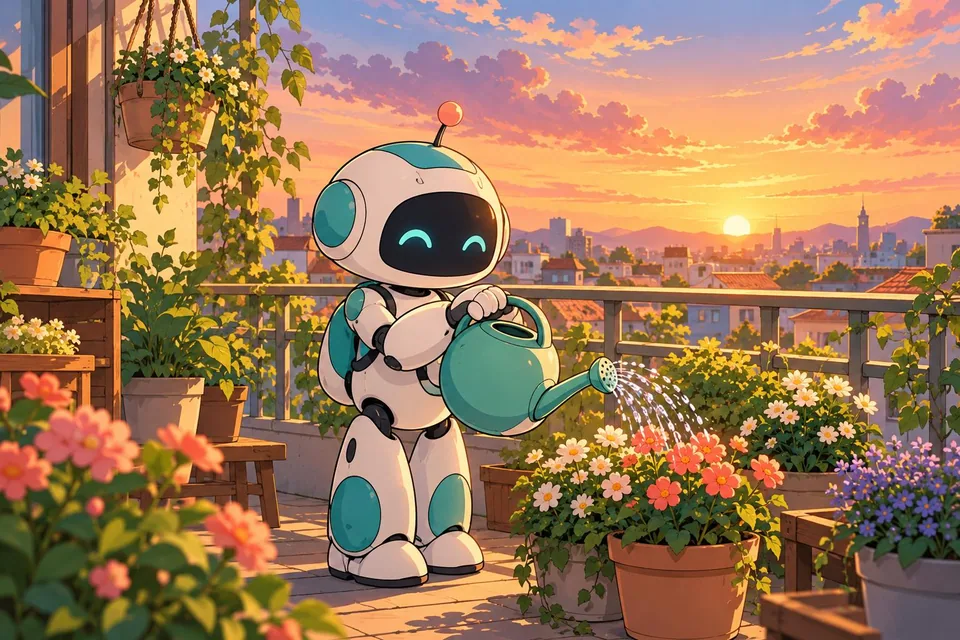
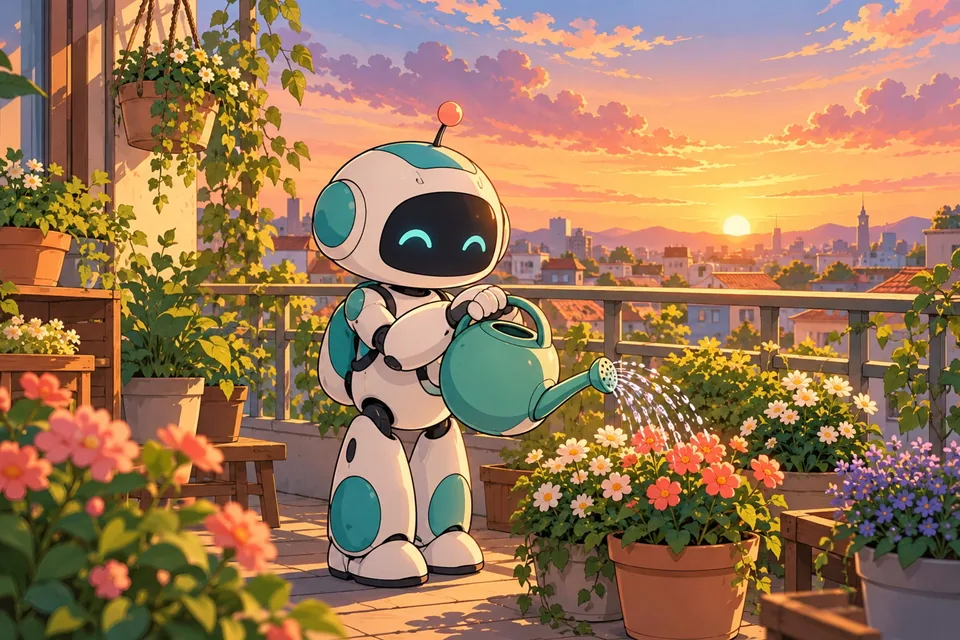
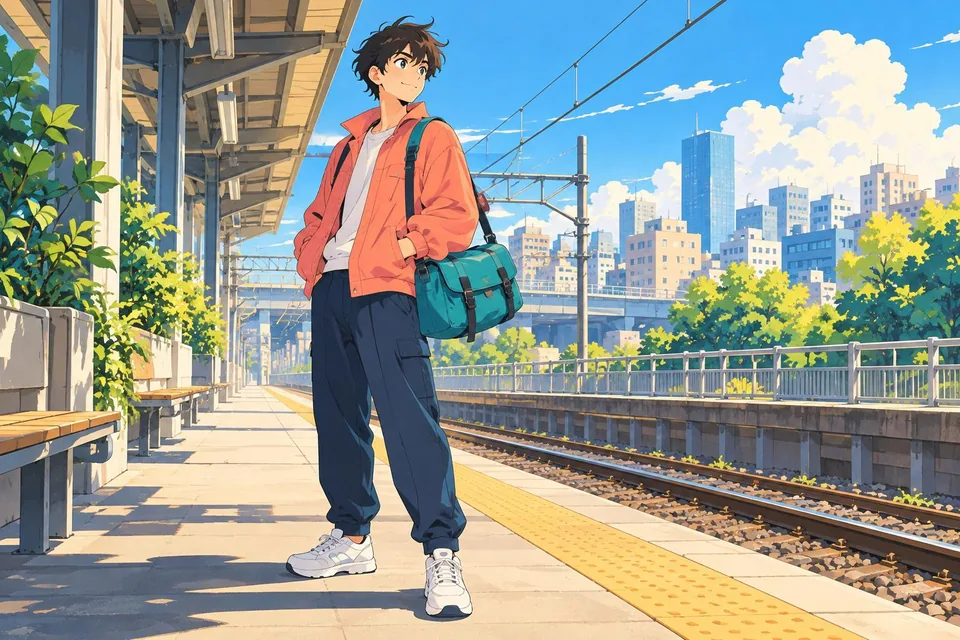
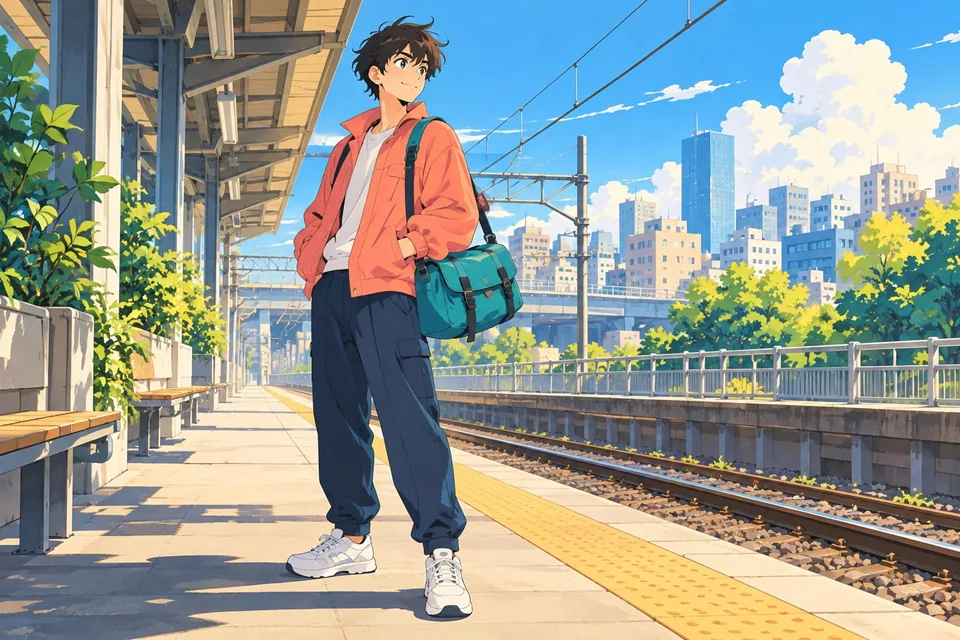
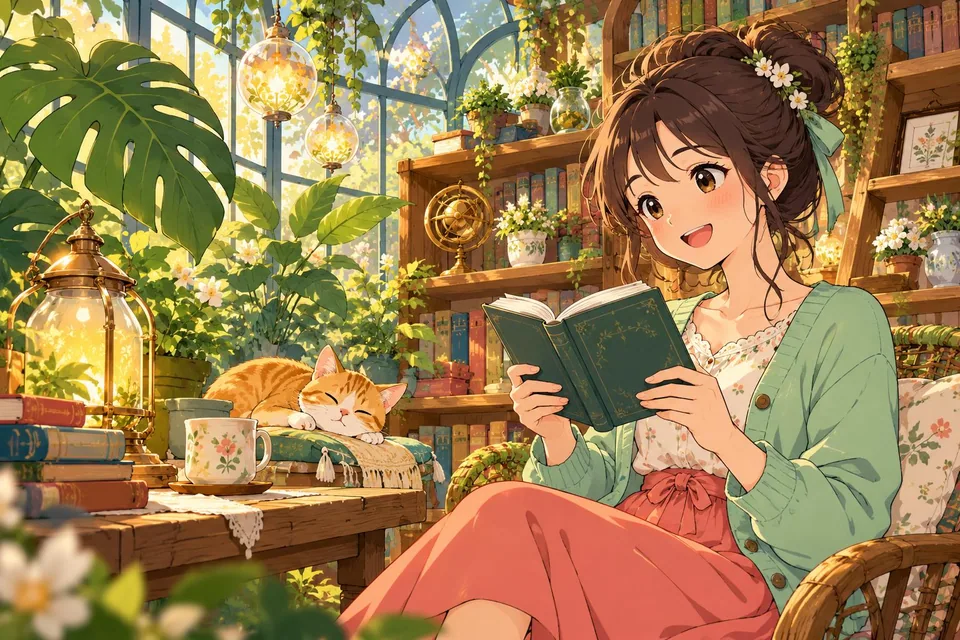
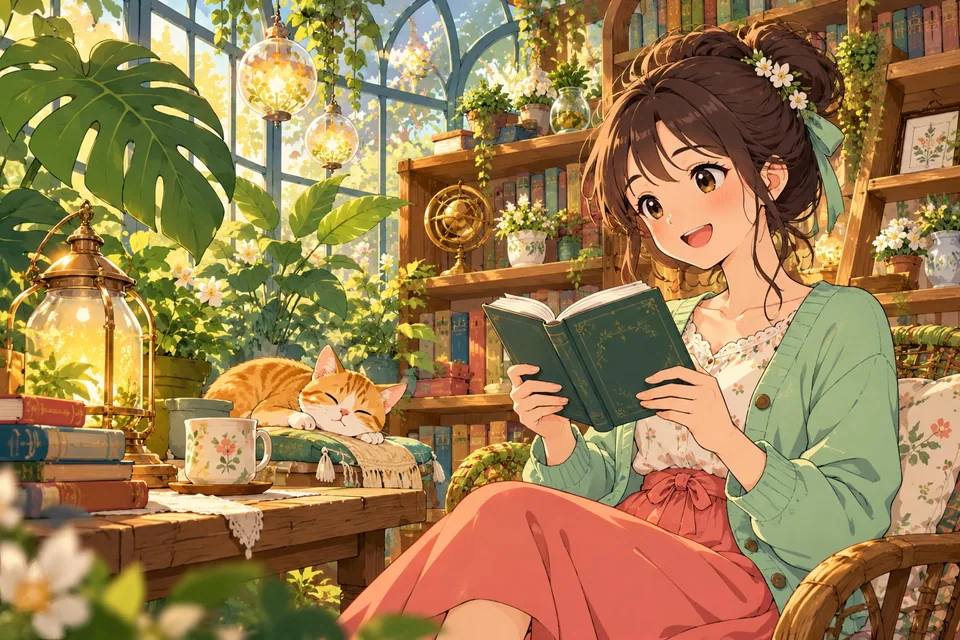
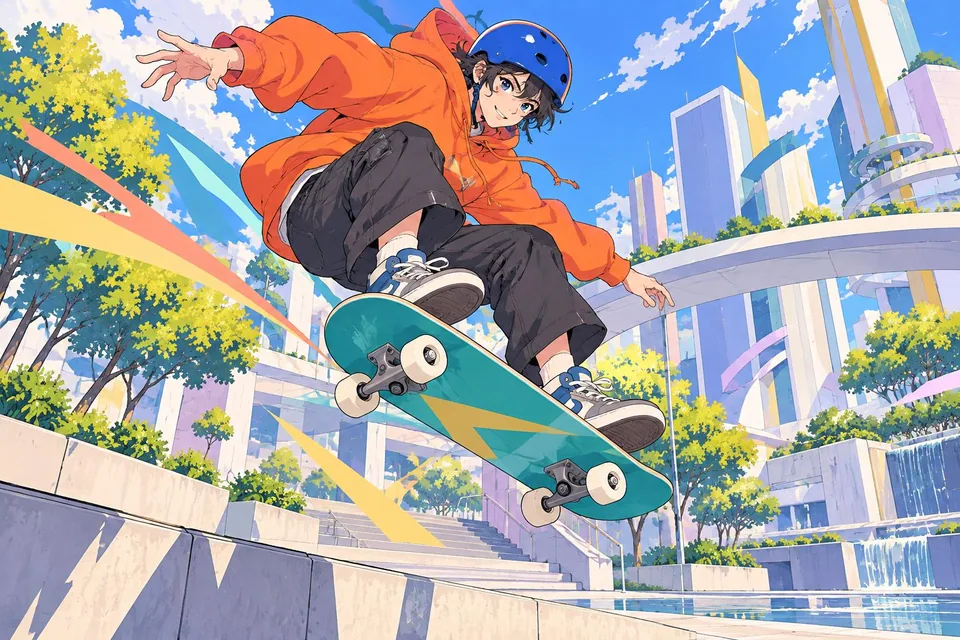
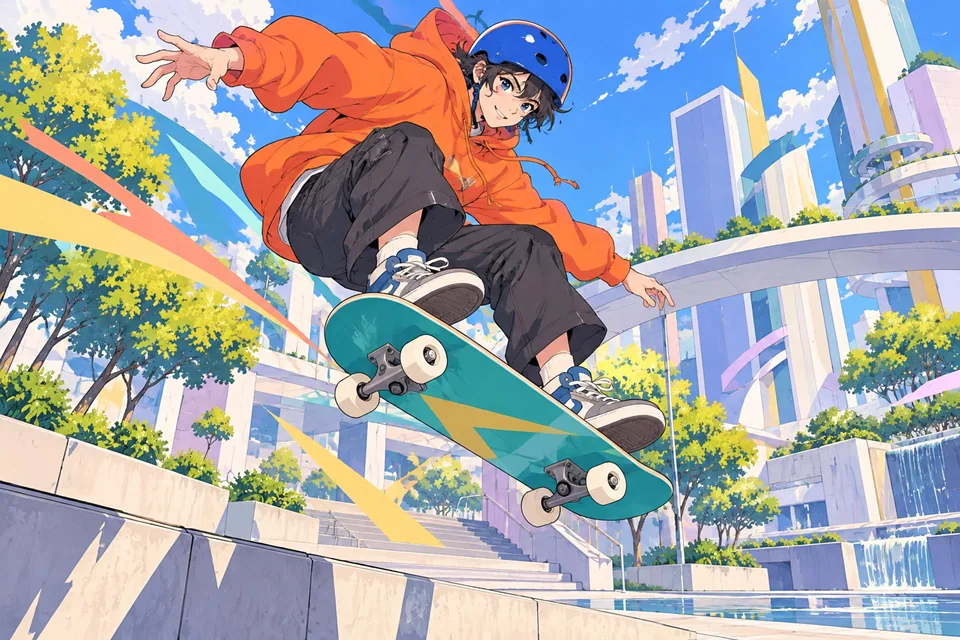
AI Anime Enhancer is designed for drawn imagery: anime, colored manga, line art, fan art, sprites, comics, and digital illustrations. It enlarges images while attempting to preserve lines, flat colors, and clean shapes.
For photographs, products, and realistic portraits, the general AI Upscaler is usually a better fit. Anime models can give photos artificial outlines, simplified texture, or details that do not match the original.
Choose treatment by drawing style
Art with fine lines and flat colors often works well with anime treatments. Digital paintings, strong gradients, paper texture, or complex shading may need a gentler setup. Test one representative image before applying the treatment to a batch.
Scale and effect strength
Start with 2× to better preserve the original look. Larger scales can help a very small image, but also magnify jagged edges, noise, compression, and interpreted detail. Moderate strength usually preserves more style; raise it only when comparison shows real improvement.
Comics, manga, and line art
For black-and-white art, speech-bubble text, manga pages, and line art, inspect edges at high zoom. Strong processing can thicken strokes, soften hatching, alter letters, or create lines that did not exist. Use the lowest scale and strength that solve the problem when fidelity matters.
Batch work and comparison
Add multiple images and apply the same configuration to a batch or selected items. For comic pages, sprites, or series imagery, process a sample first. Compare eyes, hair, hands, text, contour lines, clothing patterns, and gradients before approving.
Does AI Anime Enhancer work for photos?⌄
It can process them, but it is designed for anime and illustrations. Use the general AI Upscaler for realistic photos.
Which scale should I use?⌄
Start with 2×. Use a larger scale only when the source is small and the preview stays natural.
Why did lines or letters change?⌄
With small, compressed, or very fine artwork, details can be interpreted differently. Lower strength and scale.
Does it improve black-and-white manga?⌄
It can help, but inspect hatching, text, and fine lines at high zoom.
Can I process multiple images?⌄
Yes. Test a representative image, then apply the setting to the full batch or selected files.
Does it replace an illustration editor?⌄
No. It helps enlarge and visually clean artwork, but does not replace manual retouching or precise artistic reconstruction.
Keep the original and approve a configuration only after checking lines, text, and colors at a larger size.